








Get online for free at your library
Your local library offers free internet access, public computers and friendly support to help you get things done online. Whether you’re browsing, completing forms, printing documents or learning new digital skills, we’re here to help. In order to use the computers in High Life Highland Libraries you must first agree to our Internet Acceptable Use Policy. Library customers with a valid library card can reserve a computer to use in any Library location.
Free Wi‑Fi in every library
Connect your own phone, tablet or laptop easily when you visit. Library staff can help you get connected if you’re unsure how.
*please note this service is not available in Knoydart
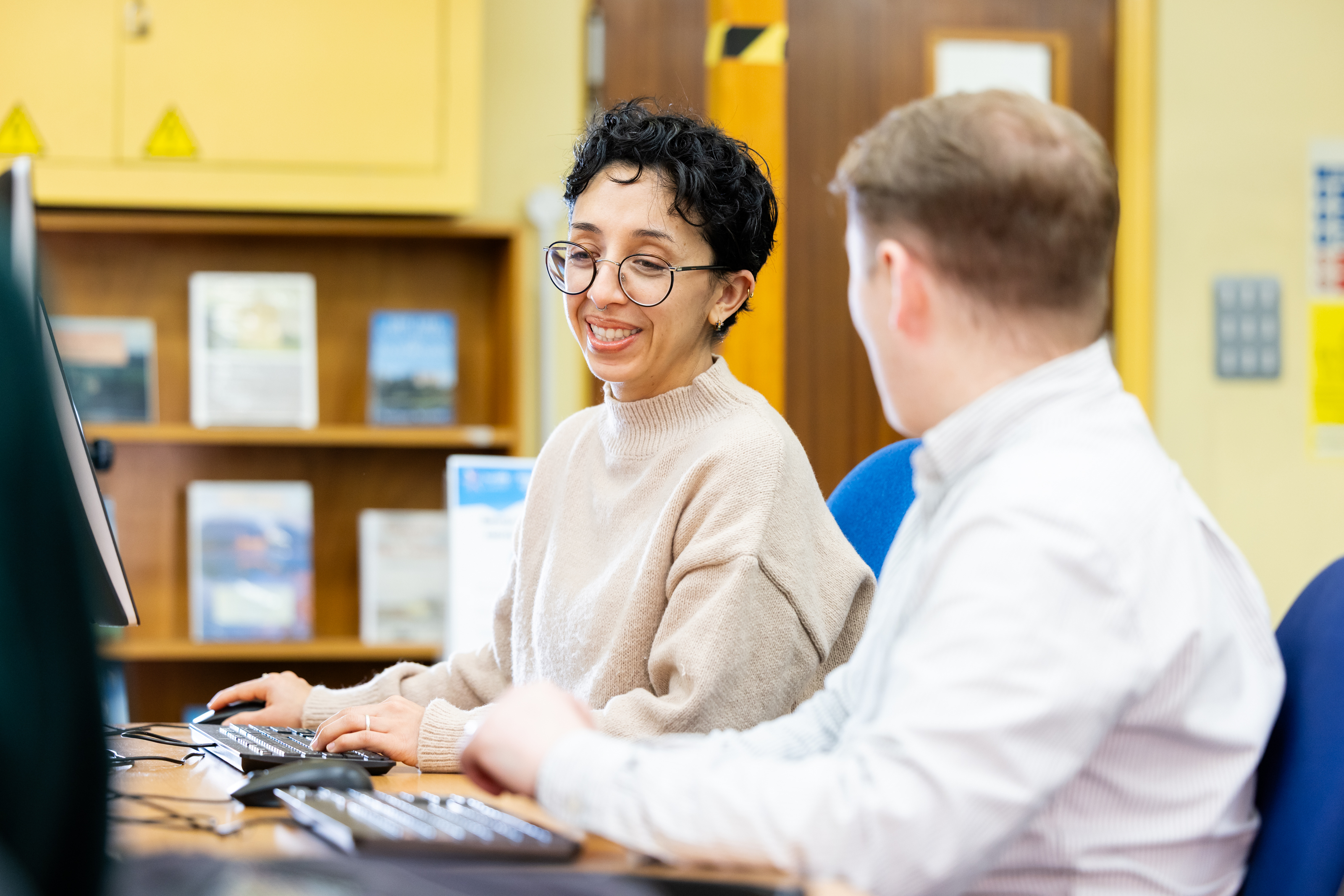
Use our public computers
All libraries provide access to computers for everyday tasks, including:
- Browsing the internet
- Email and online forms
- Word processing and documents
- Accessing essential services
Computers are free to use. Some libraries may offer advance booking — contact your branch for details.
Printing, copying and scanning
Many libraries offer:
- Printing (colour and black & white)
- Photocopying
- Scanning to email or USB
Contact your library for current prices or availability.
Help getting online
Library staff can offer basic digital support, such as:
- Setting up an email account
- Filling out online forms
- Using government and local services
- Navigating websites
- Accessing digital library resources
You don’t need any experience — we’re happy to guide you.
Accessibility support
If you need additional support to use computers or go online, we can help you with:
- Larger text and flexible screen settings
- Basic accessibility tools
- Supportive, patient assistance from staff
Contact your library for more information
Learn more about how your can use computers and the internet in your local library by getting in touch.